How to Withdraw Your Winnings from RK Phantom to GCash or Maya
When You Can Request a Withdrawal
Before you can withdraw winnings from RK Phantom, your account must meet two basic requirements.
Account verification comes first. RK Phantom will ask you to verify your identity by uploading a valid government ID—your driver's license, passport, or Philippine national ID card. You may also need to submit a recent utility bill or bank statement showing your current address. Verification usually takes one to three business days. Until the platform approves your documents, withdrawal requests will remain on hold.
Wagering requirements apply when you claim a bonus. If you deposited PHP 500 and received a 100% bonus, you'll need to wager the bonus amount a certain number of times before you can cash out. RK Phantom typically sets rollover requirements between 5× and 25× depending on the promotion. Check the bonus terms in your account dashboard or the promotions page. You can withdraw your own deposited funds and any winnings from non-bonus play at any time once your account is verified.
If you try to withdraw before finishing the rollover, the system will either block the request or forfeit the remaining bonus balance. The cashier page in your RK Phantom account will show your real-money balance and any locked bonus funds separately.
Step-by-Step Withdrawal Process
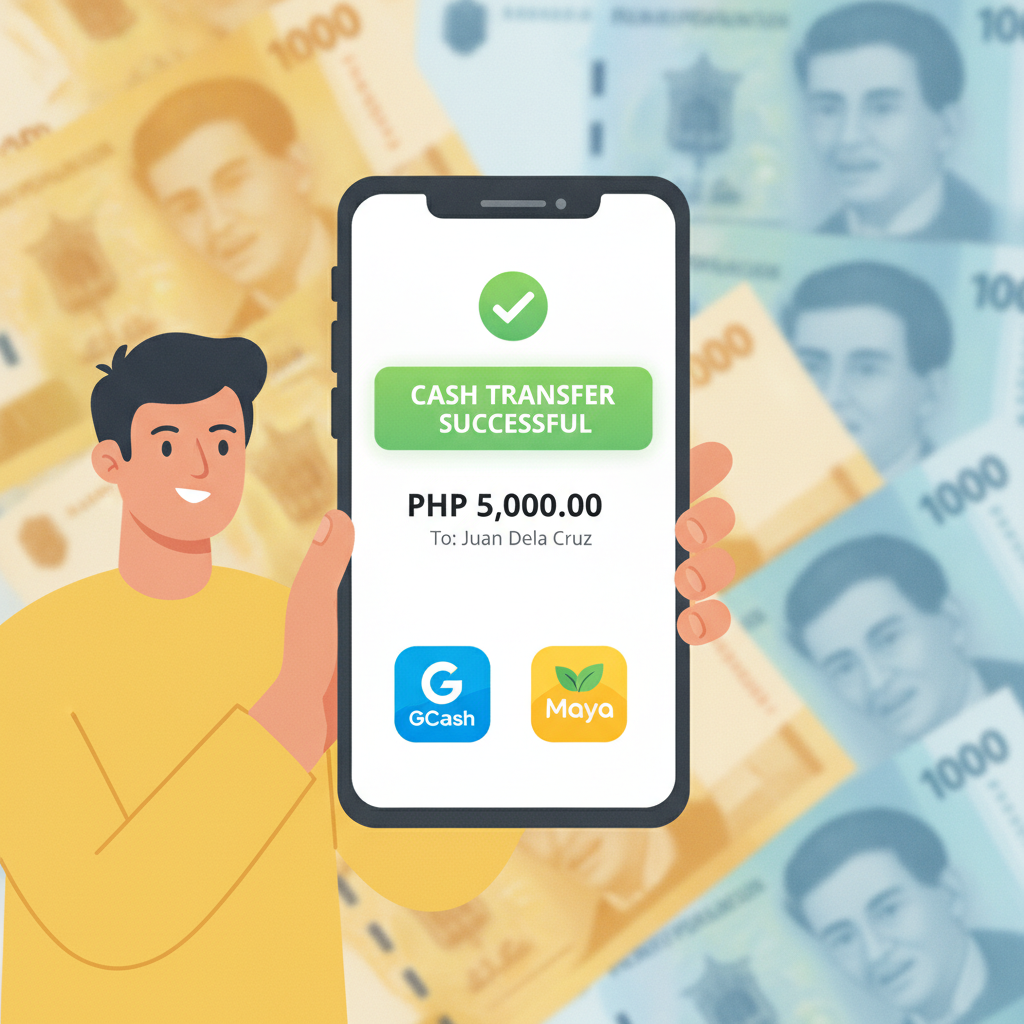
RK Phantom offers three main withdrawal methods for Filipino players: GCash, Maya, and bank transfer via InstaPay or PESONet. Here's how to process each one.
Withdrawing to GCash
- Log in to RK Phantom on your mobile browser or app.
- Tap the menu icon (usually three lines at the top left) and select Cashier or Withdraw.
- Choose GCash from the list of payment options.
- Enter the mobile number linked to your GCash account. Double-check that it matches the number registered under your name.
- Type the amount you want to withdraw. Most players see a minimum of PHP 100 and a maximum of PHP 50,000 per transaction, though limits vary by account level.
- Confirm the request. RK Phantom may send a one-time PIN to your registered mobile number or email for security.
- Wait for the funds to arrive in your GCash wallet. Standard processing takes 15 minutes to 2 hours during business hours.
Make sure your GCash account is fully verified—upload your ID inside the GCash app if you haven't already. Unverified GCash wallets have lower transaction limits and may reject incoming transfers from RK Phantom.
Withdrawing to Maya
- Go to the Cashier section in your RK Phantom account.
- Select Maya as your withdrawal method.
- Enter your Maya mobile number. This must match the number tied to your verified Maya account.
- Input the withdrawal amount (minimum PHP 100, maximum around PHP 50,000 per transaction).
- Review the details and tap Confirm.
- RK Phantom will process the request and push the funds to your Maya wallet.
Maya withdrawals typically arrive within 30 minutes to 2 hours when you submit the request during weekdays. Delays may occur on weekends or public holidays, though InstaPay-backed transfers often go through seven days a week.
Withdrawing via Bank Transfer (InstaPay or PESONet)
- Open the Withdraw page inside RK Phantom.
- Choose Bank Transfer and select whether you want InstaPay (faster, same-day) or PESONet (next business day).
- Enter your bank account number, account name (must match your verified RK Phantom name), and bank name from the drop-down list.
- Specify the amount you wish to withdraw.
- Submit the request.
InstaPay transfers usually complete within one to two hours on weekdays between 6 AM and 9 PM. PESONet transactions settle overnight; if you request a PESONet withdrawal on a Tuesday afternoon, expect the money in your bank account by Wednesday morning. PESONet does not process on weekends or bank holidays.
Not all Philippine banks participate in InstaPay. Check with your bank or visit the InstaPay website to confirm eligibility. Common InstaPay-enabled banks include BDO, BPI, Metrobank, UnionBank, Security Bank, and most major rural banks.
How Long Withdrawals Take
Withdrawal speed depends on the method you choose and the time you submit your request.
| Method | Processing Time | Notes |
|------------|---------------------|-----------|
| GCash | 15 minutes – 2 hours | Fastest option; may slow down during evening peak hours (6–10 PM) |
| Maya | 30 minutes – 2 hours | Similar speed to GCash; relies on InstaPay rails |
| InstaPay | 1 – 2 hours | Available weekdays 6 AM – 9 PM; check your bank's cut-off times |
| PESONet | Next business day | Submitted Monday–Friday before 6 PM arrives the following morning; weekends and holidays cause delays |
If RK Phantom flags your withdrawal for additional verification—common for first-time cashouts over PHP 10,000—add one business day to the timeline. The support team may email you to confirm the transaction or request another proof of ID.
Withdrawals requested late Friday evening via PESONet will not land in your bank until Monday or Tuesday, depending on how your bank batches incoming PESONet credits.
Common Withdrawal Issues and How to Resolve Them
"Your withdrawal request was declined"
Cause: You have not completed account verification, or your bonus wagering is incomplete.
Fix: Log in to RK Phantom and check the Documents or Verification section. Upload a clear photo of your government ID and proof of address if you haven't done so. If you claimed a bonus, visit the My Bonuses page to see remaining rollover. Complete the required turnover before requesting a withdrawal.
"Mobile number or account name does not match"
Cause: The GCash or Maya mobile number you entered differs from the one on file, or your bank account name does not match the name verified on your RK Phantom profile.
Fix: Double-check the mobile number you typed. GCash and Maya accounts must be registered under your own name. If you verified your RK Phantom account as "Juan Dela Cruz," your GCash wallet must also show "Juan Dela Cruz." For bank transfers, confirm that the account holder name exactly matches your ID—middle initials, suffixes, and spacing all matter.
"Withdrawal is stuck in 'Pending' for more than 24 hours"
Cause: RK Phantom's finance team may be conducting a manual review, or the payment provider encountered a technical delay.
Fix: Contact RK Phantom customer support via live chat or email. Provide your account username, the withdrawal request ID (visible in your transaction history), and the date and time you submitted the request. Support can escalate the ticket to the payments department. Most pending withdrawals clear within 48 hours once escalated.
"GCash wallet says transaction failed"
Cause: Your GCash wallet may have reached its monthly incoming-transfer limit, or the wallet is not fully verified.
Fix: Open the GCash app and complete the verification steps under My Linked Accounts > Verify Now. Fully verified GCash accounts have a PHP 100,000 monthly incoming limit. If you hit that cap, you'll need to wait until the next calendar month or withdraw to Maya or a bank account instead.
"InstaPay declined by receiving bank"
Cause: Not all banks accept InstaPay 24/7, and some impose their own incoming limits or fraud filters.
Fix: Try a smaller amount—some banks flag first-time transfers above PHP 5,000. Alternatively, switch to PESONet for next-day settlement; it has fewer real-time filters. If the issue persists, call your bank's hotline and confirm that your account is enabled for InstaPay receipts.
Withdrawal Tips for Filipino Players
- Withdraw to the same method you used to deposit whenever possible. RK Phantom and most online casinos prefer this for anti-money-laundering compliance. If you deposited via GCash, request your withdrawal to GCash first.
- Start with a small test withdrawal the first time—PHP 100 or PHP 200—so you can confirm your mobile number or bank details are correct before moving larger sums.
- Keep a screenshot of every withdrawal confirmation page and transaction ID. This helps support resolve issues faster.
- Avoid requesting multiple withdrawals in quick succession. Platforms may flag rapid cashouts as suspicious and hold them for review.
- Check your RK Phantom account tier. Higher VIP levels often unlock bigger daily and monthly withdrawal limits, plus faster processing priority.
21+ Only and Responsible Gambling Reminder
RK Phantom is intended for players 21 years of age and older. Gambling should remain a form of entertainment, not a way to make money or solve financial problems.
If you find yourself chasing losses, borrowing money to play, or spending more time on RK Phantom than you planned, take a break. The platform offers self-exclusion tools and deposit limits in the account settings. You can also contact the National Council on Problem Gambling or text the Problema sa Sugal hotline for free, confidential support in Tagalog and English.
Set a monthly budget for deposits and withdrawals before you play. Once you hit that limit, stop for the month. Treat any winnings as a bonus, not guaranteed income—every casino game and sports bet carries the risk of loss.