How to Register an RK Phantom Account in 5 Simple Steps
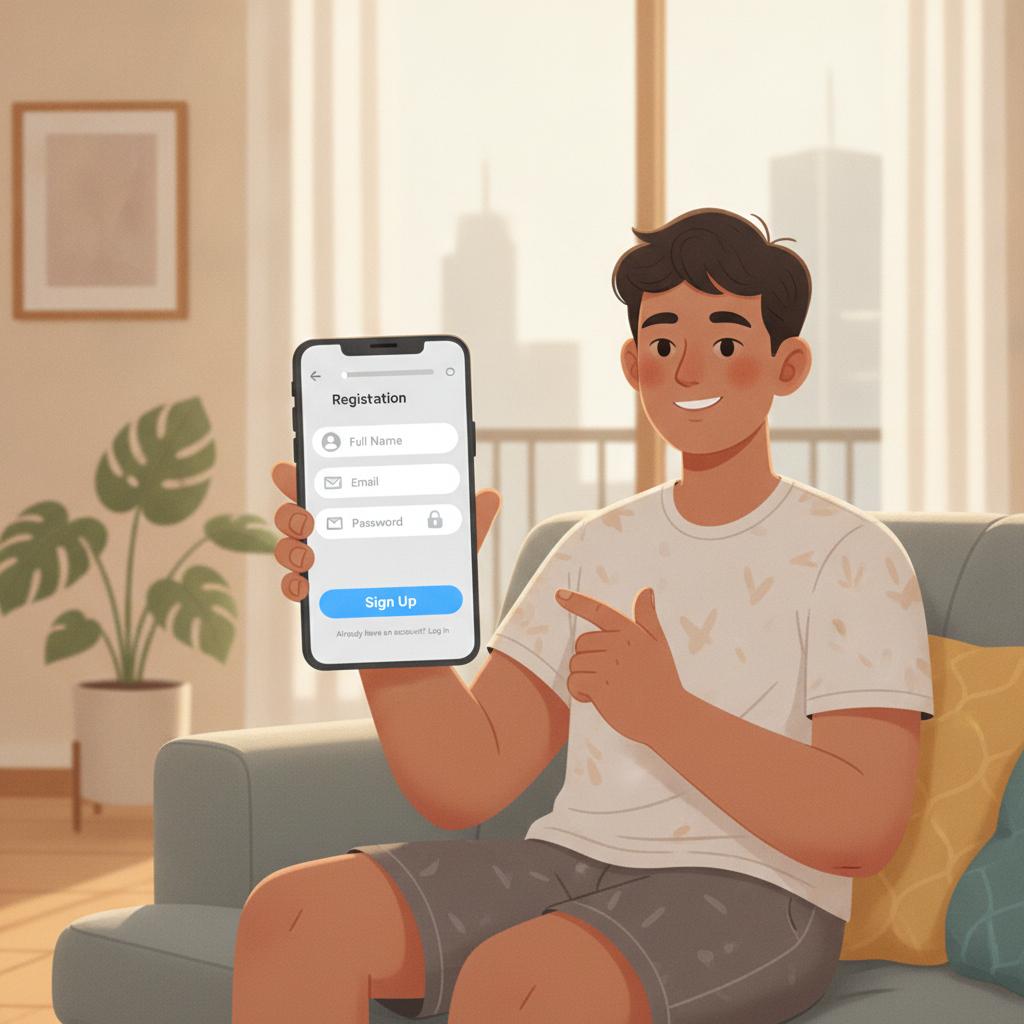
Opening an account at RK Phantom takes about five minutes. This guide walks you through every step of the registration process, from gathering your details to completing verification and logging in for the first time.
RK Phantom is an online casino and sportsbook that accepts players in the Philippines. The platform offers slots, live dealer tables, sports betting on PBA, NBA and volleyball, plus bingo and jackpot games. Before you start, make sure you meet the minimum age requirement and have a few basic items ready.
What You Need Before Signing Up
RK Phantom requires all players to be 21 years old or above. The platform will ask for proof of age and identity during account verification, so prepare the following:
Valid government-issued ID
One clear photo or scan of your Philippine national ID, passport, driver's license, UMID, SSS ID, or PRC ID. The name on your ID must match the name you use when registering.
Active mobile phone number
You will receive a one-time PIN (OTP) by SMS to verify your number. The same number will be linked to your GCash or Maya account if you plan to deposit using those e-wallets.
Email address
RK Phantom sends account confirmation, password-reset links, and withdrawal notices to your registered email. Use an email address you check regularly.
Funding method
The platform accepts deposits through GCash, Maya, and bank transfer over InstaPay and PESONet. Make sure at least one of these is set up and linked to your name before you deposit. Typical deposits range from PHP 100 to PHP 500.
Step-by-Step Registration Process
Step 1: Go to the RK Phantom Homepage
Open your mobile browser (Chrome, Safari or Firefox work best on Android) and visit the official RK Phantom site. Look for the Register or Sign Up button, usually found in the top-right corner of the homepage.
Tap the button to open the registration form.
Step 2: Fill Out the Registration Form
The form asks for basic personal details. Enter them exactly as they appear on your government-issued ID:
- Full name (first name, middle initial, last name)
- Date of birth (to confirm you are 21 or older)
- Mobile phone number (use the format 09XX XXX XXXX)
- Email address
- Username (you will use this for RK Phantom login)
- Password (at least eight characters; mix letters, numbers and symbols for security)
Some forms also ask for your province or city. Select Metro Manila or your home province from the dropdown menu.
Double-check every field before moving forward. Mistakes here can delay verification later.
Step 3: Verify Your Mobile Number
After you submit the form, RK Phantom sends a six-digit OTP to the phone number you entered. This usually arrives within 30 seconds.
Check your SMS inbox, then type the code into the verification box on screen. If the code does not arrive after one minute, tap Resend OTP and wait another 30 seconds.
Once the OTP is accepted, your phone number is linked to your account.
Step 4: Confirm Your Email Address
RK Phantom will send a confirmation email to the address you provided. Open your inbox (and check your spam or promotions folder if you do not see it) and click the verification link inside.
Clicking the link activates your email and brings you back to the RK Phantom site or app. You are now ready to log in.
Step 5: Set Up Your Account Security
Some versions of the registration flow ask you to choose security questions or enable two-factor authentication. If prompted, pick answers you will remember and store them somewhere safe.
Two-factor authentication adds an extra layer of protection, especially when you deposit or withdraw money. It is optional but recommended.
How to Verify Your Account After Registration
RK Phantom requires identity verification before you can make your first withdrawal. You can verify your account immediately after signing up, or wait until you want to cash out. Verifying early saves time later.
Upload a Valid ID
Log in and go to the Account or Profile section. Look for a menu item labeled Verification, KYC (Know Your Customer), or Documents.
Tap Upload ID and choose the type of ID you want to submit. Take a clear photo that shows all four corners of the card and makes the text readable. Avoid glare, shadows and blurry images.
Submit the photo. RK Phantom typically reviews ID uploads within 24 hours on business days. You will receive an email or in-app notification once your account is verified.
Proof of Address (Sometimes Required)
In some cases, the platform asks for a recent utility bill, bank statement or government letter that shows your name and current address. This is less common for Filipino players, but if requested, upload a document dated within the last three months.
Common Registration Errors and How to Fix Them
"Mobile number already registered"
This means the phone number is linked to another RK Phantom account. If you signed up before and forgot, use the Forgot Username link on the login page. If someone else used your number by mistake, contact RK Phantom customer support through live chat or email.
OTP not arriving
Check that you entered your mobile number in the correct format (should start with 09). Make sure your phone has signal and your inbox is not full. If the OTP still does not arrive after two resend attempts, try registering again or reach out to support.
"Email already in use"
You may have created an account previously. Click Forgot Password on the RK Phantom login screen and follow the reset steps. If you believe the email was used without your permission, contact support immediately.
ID verification rejected
Common reasons include a blurry photo, an expired ID, or a name mismatch between your ID and registration form. Resubmit a clearer photo and make sure every letter of your name matches exactly.
"You must be 21 or older"
RK Phantom is open to players aged 21 and above only. If you entered your birthdate incorrectly, contact support to update it. You will need to provide your valid ID as proof of age.
Tips for a Smooth Registration
- Use your real name. RK Phantom cross-checks your account details with your ID and your GCash, Maya or bank account. Any mismatch can block deposits or withdrawals.
- Pick a strong password. Avoid common words or your birthdate. Store your password in a secure notes app or password manager.
- Save your username. You will need it every time you log in. Write it down or bookmark the RK Phantom login page so you do not forget.
- Register on a stable connection. A dropped connection mid-registration can cause errors. Use Wi-Fi or a strong mobile data signal.
What Happens After You Register
Once your account is active and verified, you can log in and explore the RK Phantom app or mobile site. The homepage shows featured slots, live dealer games and current sports betting markets for PBA, NBA and volleyball.
To start playing, tap Deposit and choose GCash, Maya, InstaPay or PESONet. Minimum deposits are usually PHP 100. Enter the amount, confirm the transaction in your e-wallet or banking app, and your balance will update within a few minutes.
RK Phantom often offers a welcome bonus for new players. Check the Promotions tab after your first deposit to see what is available. Read the terms carefully—most RK Phantom bonus offers require you to wager a certain amount before you can withdraw winnings.
Responsible Gambling Reminder
RK Phantom is entertainment, not a way to make money. Set a budget before you play and stop when you reach it. Never chase losses or bet more than you can afford to lose.
If you feel that gambling is becoming a problem, use the account controls in your profile to set deposit limits, loss limits or session time reminders. You can also self-exclude by contacting support.
RK Phantom is for players aged 21 and over only. Registration and play are restricted to adults who understand the risks involved.
You now know how to register an RK Phantom account, verify your identity, and troubleshoot common errors. The process is straightforward on mobile, and most new players complete sign-up in under five minutes. Always double-check your personal details, keep your login credentials safe, and remember to play responsibly.